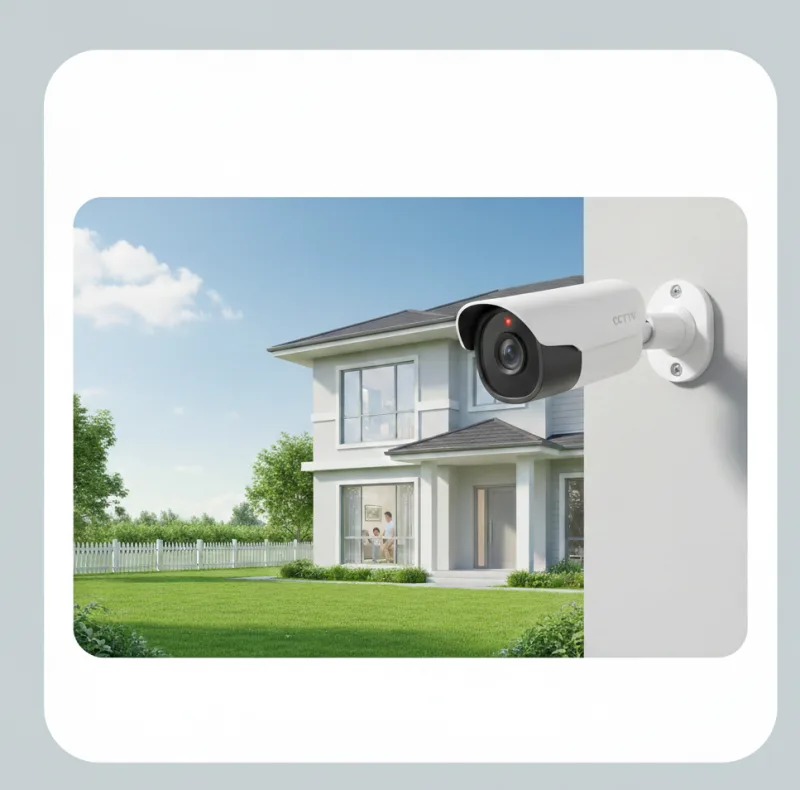
Start with your goal: deter theft, monitor entry points, check deliveries, or keep an eye on pets/kids. The “best” system is the one that records reliably and is easy to review.
Related reading
1) Choose camera type (wired vs Wi‑Fi)
- Wired (PoE): most reliable, best for permanent installs.
- Wi‑Fi cameras: faster to install, but rely on strong Wi‑Fi and power.
2) Plan placement (what to cover)
- Front door + driveway (faces and number plates).
- Back door + side access.
- Garage and any blind spots.
3) Storage: cloud vs NVR
- Cloud: easy remote access, subscription cost, relies on internet.
- NVR/SD: local recording, more control, but needs proper setup and maintenance.
4) Security + privacy basics
- Use unique passwords and enable MFA on the camera account.
- Keep firmware updated and avoid “unknown brand” devices with poor support.
- Aim cameras at your property and be mindful of neighbours and public areas.
Want CCTV installed and secured properly?
We can recommend the right setup, optimise Wi‑Fi if needed, and harden your camera accounts so your system stays reliable.