A reliable home office network keeps you productive for remote work, here's how to set one up.
Related reading
What you need
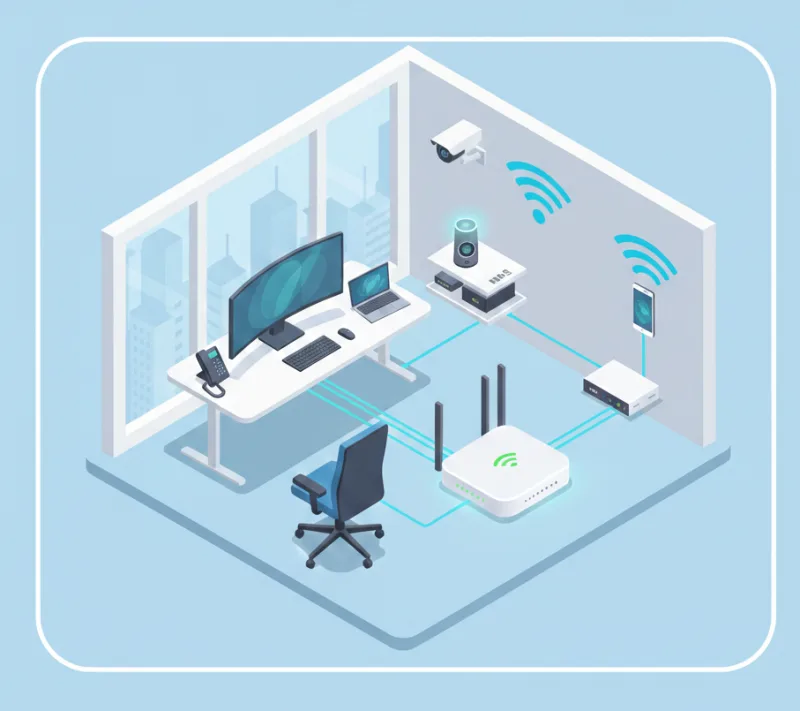
A solid home office network starts with a reliable router and a stable internet connection. Use Wi‑Fi 5 or Wi‑Fi 6 for better speed and range. Place the router centrally, avoid walls and interference, and consider a mesh system for larger homes.
Security basics
Use strong Wi‑Fi encryption (WPA3 or WPA2), change the default router password, and keep router firmware updated. Use a separate guest network for visitors and personal devices.
Quick summary
A reliable home office network needs a good router, central placement, and strong security. Consider mesh Wi‑Fi for larger spaces and an Ethernet cable for critical devices (video calls, large uploads).
Need a hand?
Setting up a home office network? 365wiz offers professional network setup and configuration services to create a reliable, secure network for your home office needs.