Password managers and two-factor authentication (2FA) both protect your accounts, but they solve different problems. Understanding the difference helps you decide whether you need one, the other, or both.
Related reading
What password managers do
Password managers store and auto-fill your passwords so you can use long, unique passwords for every account without remembering them. They reduce the risk of weak or reused passwords and protect against phishing (they won't auto-fill on fake login pages). Popular options include Bitwarden, 1Password, and LastPass.
What 2FA does
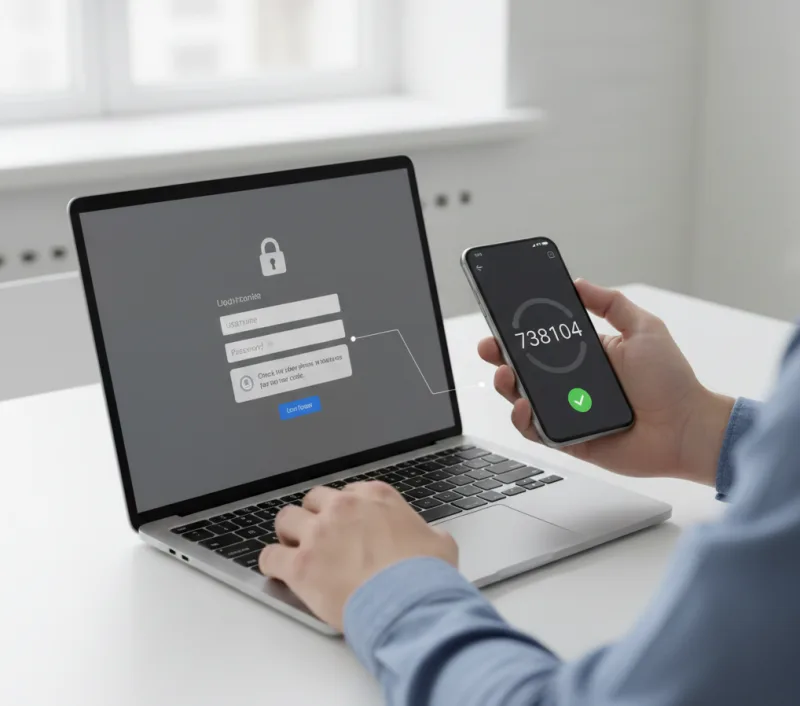
Two-factor authentication adds a second check, such as a code from your phone or an authenticator app, when you log in. Even if someone steals your password, they can't access your account without that second factor. Authenticator apps (e.g. Microsoft Authenticator, Google Authenticator) are more secure than SMS codes.
Do you need both?
Yes, for important accounts. Password managers make it practical to use strong, unique passwords; 2FA stops attackers who already have your password (e.g. from a breach). Use both on email, banking, cloud storage, and business accounts.
Quick summary
Password managers = better passwords and fewer leaks. 2FA = an extra barrier if a password is stolen. Together they give strong protection with manageable effort.
Need a hand?
Need help implementing better security practices? 365wiz provides expert security setup services including password management and two-factor authentication implementation.