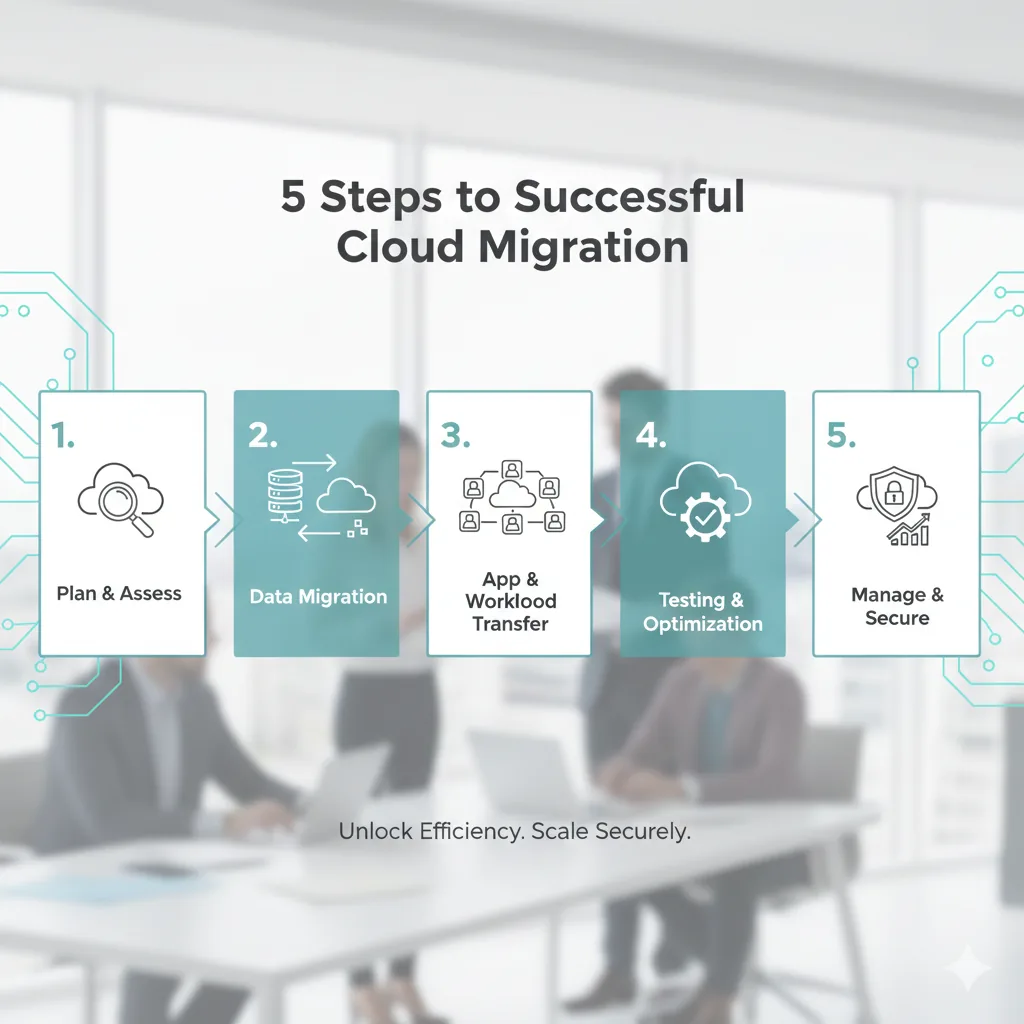
Moving your business to the cloud can improve flexibility, collaboration, and scalability, but a poor migration can cause data loss, downtime, and security gaps. Following a clear, phased approach helps ensure a smooth transition.
Related reading
Step 1: Assess and plan
Identify what you want to move, email, files, apps, or all of the above. Map dependencies (who uses what), estimate data volumes, and define success criteria. Choose whether to move everything at once or in phases (phased usually reduces risk).
Step 2: Choose the right cloud platform
Options like Microsoft 365, Google Workspace, or Azure/AWS each have strengths. Consider your current tools, compliance needs, and team preferences. Many small businesses start with Microsoft 365 or Google Workspace for email and files, then add other services as needed.
Step 3: Migrate in phases
Migrate non‑critical data first to test the process. Ensure backups are in place before moving anything. Use migration tools where possible (e.g. Microsoft's or Google's built‑in tools) and verify data integrity after each phase.
Step 4: Train staff and update processes
New cloud tools work differently. Train staff on the new apps and workflows. Update internal documentation, access controls, and security policies. Consider a short transition period where both old and new systems run in parallel.
Step 5: Optimise and secure
Once migration is complete, review access controls (who can see what), enable two‑factor authentication on cloud accounts, and tidy up old data or unused licences. Regularly review costs and usage to avoid overpaying or underusing your cloud services.
Need a hand?
Planning a cloud migration for your business? 365wiz provides expert cloud migration services to ensure a smooth and secure transition. Get professional guidance tailored to your business needs.