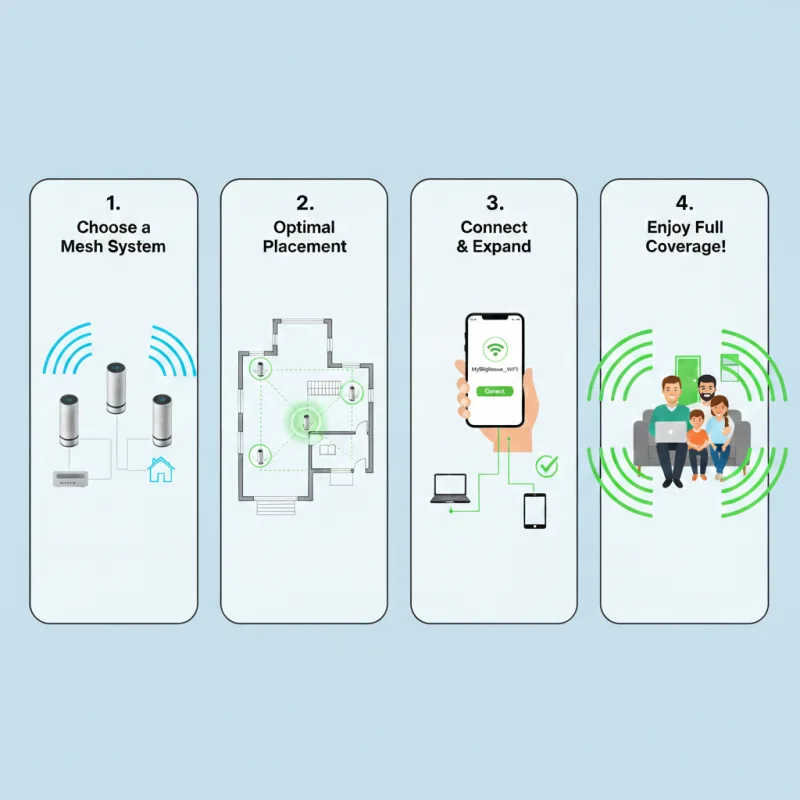
Large homes need coverage more than speed. The goal is strong signal in every room, especially where you video call, stream, or use smart-home devices.
Related reading
Option A: Mesh Wi‑Fi (best for most homes)
Mesh systems are great for multi-room coverage. The key is placement and (if possible) Ethernet backhaul between nodes.
- Place nodes in “line of sight” paths, not at the edge of coverage.
- If your house has Ethernet wiring, use it for backhaul (big stability boost).
- Keep the main router central and elevated (not in a cupboard).
Option B: Ceiling/wall access points (best performance)
If you can run Ethernet, access points (APs) are the most stable approach. This is common in larger homes or where you need strong, consistent performance.
Avoid these common mistakes
- Using extenders instead of mesh/APs (often halves performance).
- Placing nodes too far away (they need a strong link to the main router).
- One Wi‑Fi for everything: consider a guest/IoT network for smart devices.
Want the “right” setup for your floorplan?
We’ll recommend the best layout (mesh vs APs), place nodes correctly, and tune settings for speed and stability.