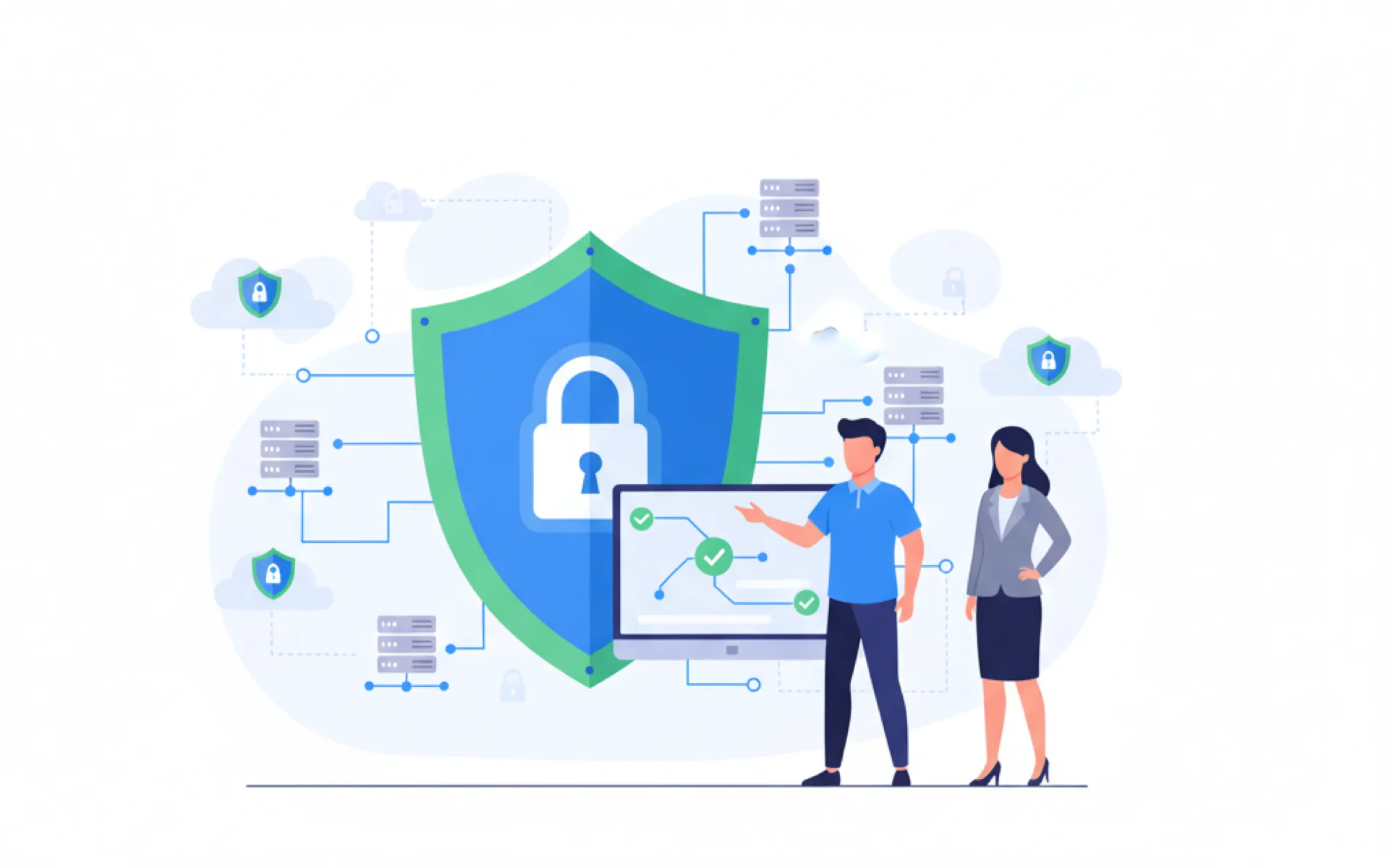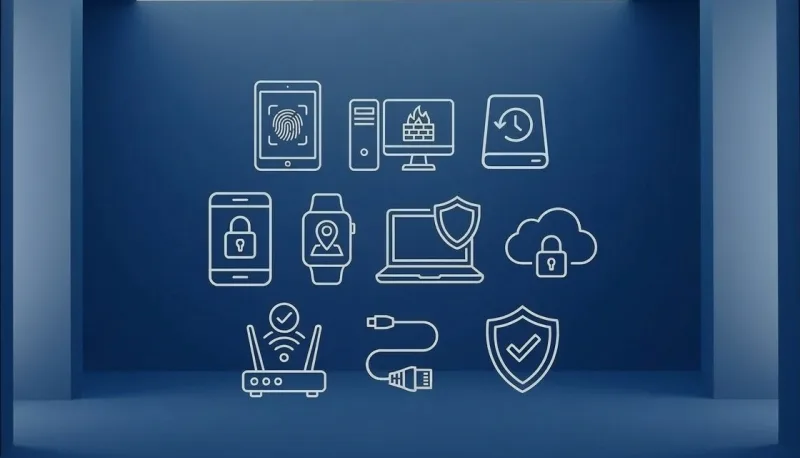
From smartphones to laptops, keeping your devices secure at home and at work helps protect your data and privacy. Here are practical tips for 2026.
Related reading
Keep software updated
Enable automatic updates on phones, laptops, and tablets. Old software is more vulnerable to attacks. This includes operating systems, browsers, and apps.
Use strong passwords and 2FA
Use a password manager and enable two-factor authentication on email, banking, and important accounts. Authenticator apps (e.g. Microsoft Authenticator, Google Authenticator) are more secure than SMS.
Backup and lock devices
Back up photos, documents, and important data to the cloud or an external drive. Use a PIN, fingerprint, or face unlock on phones and tablets. Enable device encryption (Find My on iPhone, Android Device Manager) to protect lost devices.
Avoid public Wi‑Fi for sensitive tasks
Don’t bank or enter passwords on public Wi‑Fi, use mobile data or a VPN if you must. Be cautious of phishing links in emails and texts; open sites by typing the URL yourself.
Quick summary
Update your devices, use strong passwords and 2FA, back up your data, and avoid risky Wi‑Fi. These steps go a long way toward keeping your devices and data safe.
Need a hand?
Need help securing your devices? 365wiz offers professional device security services and IT security assessments to protect your computers, smartphones, and other devices from threats.